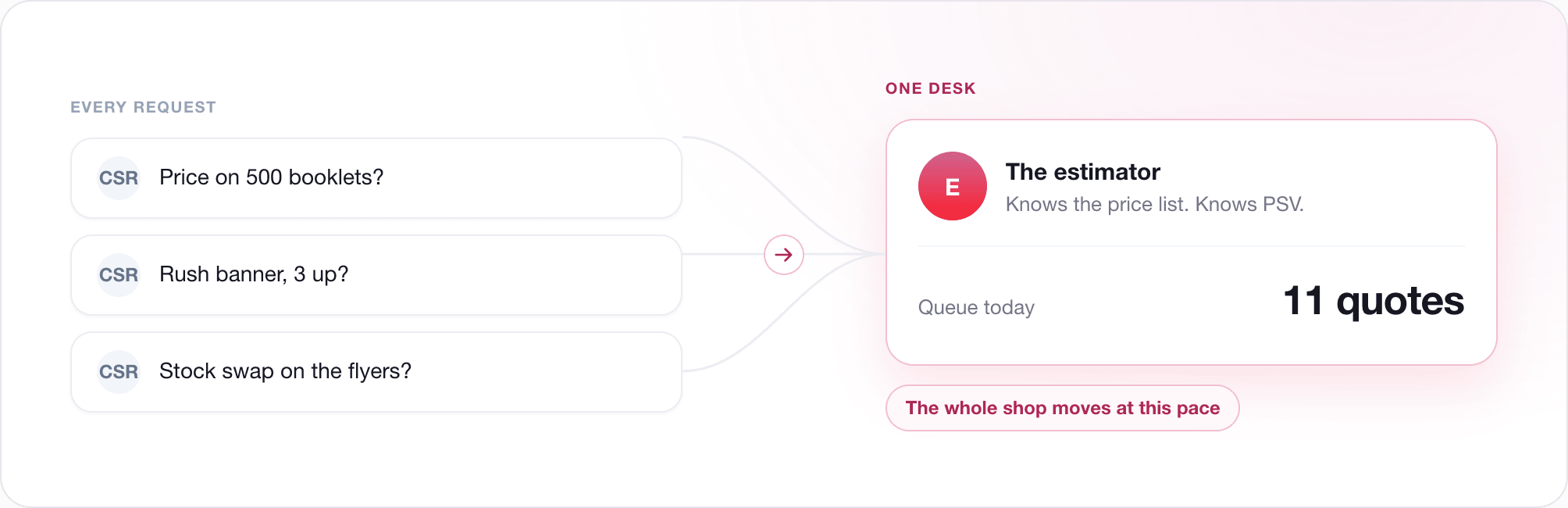
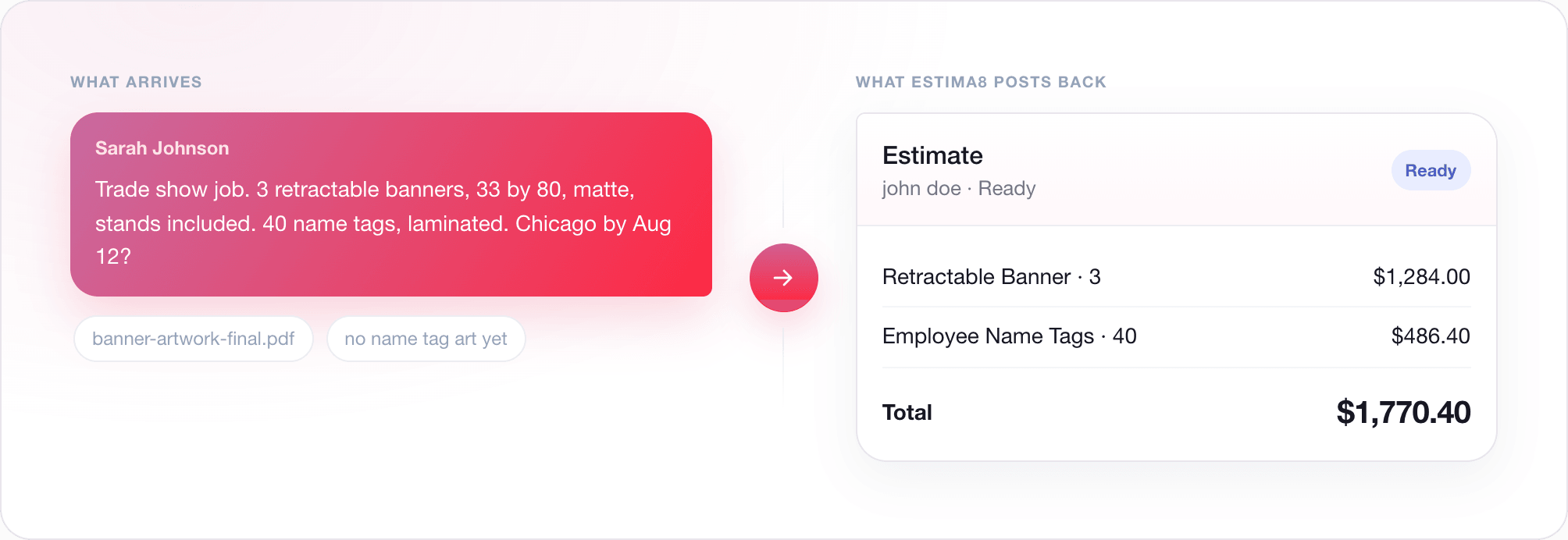
Most quoting tools start by asking you to fill in a form. Estima8 starts with a conversation, because that is how the job actually arrives. A customer sends specs, stocks, quantities, and finishing, usually messy and rarely complete. Estima8 reads it and turns it into an estimate your CSR can approve. Here is the workflow, step by step.
The request lands in a chat
Every job starts as a chat tied to a customer. The request lives there, the artwork uploads there, and every version of the quote and estimate stays in the same thread. Nothing gets lost in an inbox.
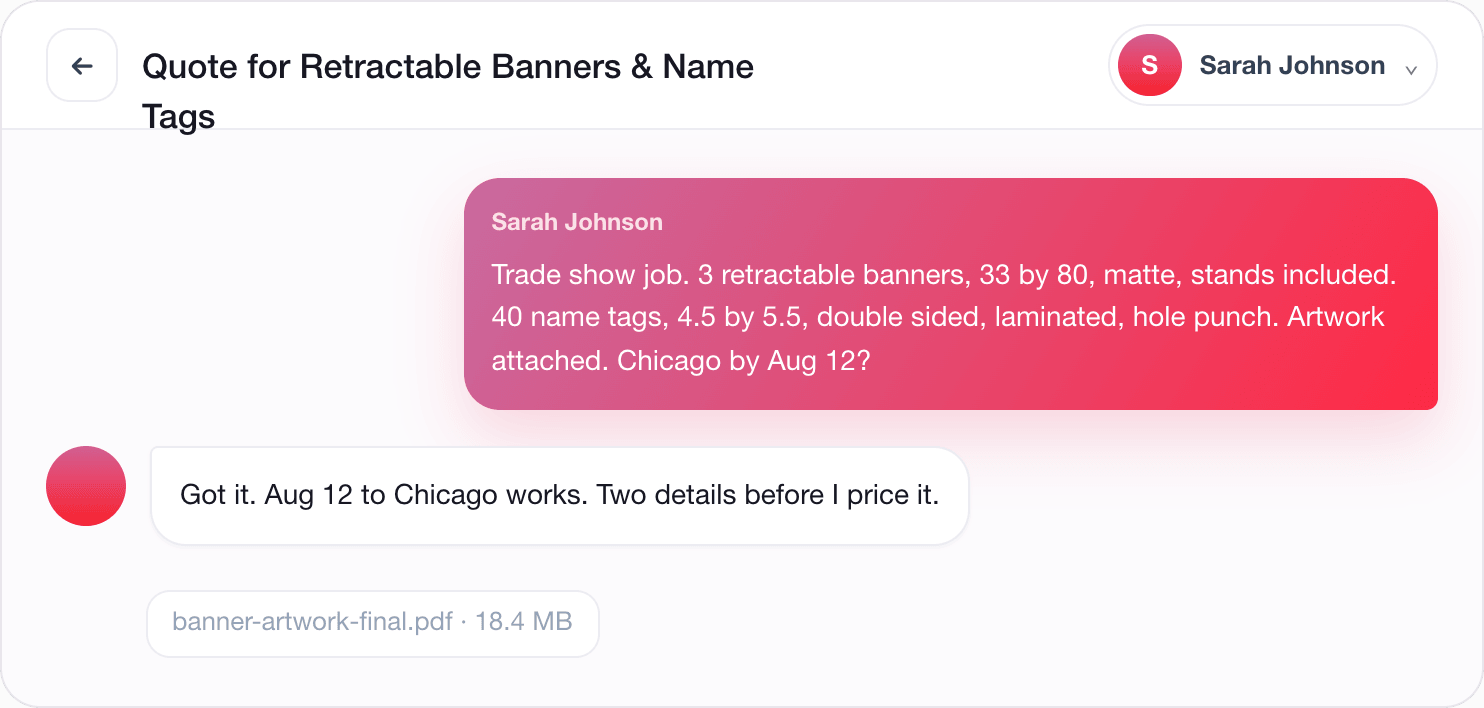
The AI Assistant reads and builds
Inside the chat, the AI Assistant reads the request, identifies the product, sets sensible defaults for quantity and specs, and pulls the matching materials and job charges from your own pricing tables. It assembles a draft quote and posts it into the chat as a reviewable card. Nothing is invented. Every line comes from your price list.
The assistant asks the right questions
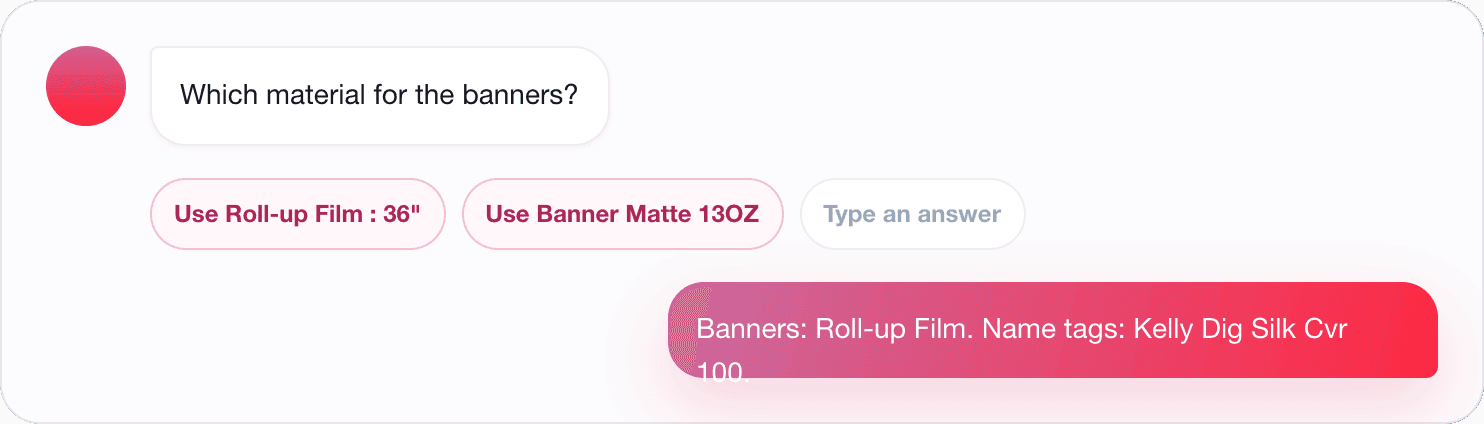
When a detail is missing, the assistant asks. Then it suggests the answers as quick reply chips, so you tap instead of type. Material for the banners. Laminate for the name tags. One tap and you keep moving.
Your CSR reviews and approves
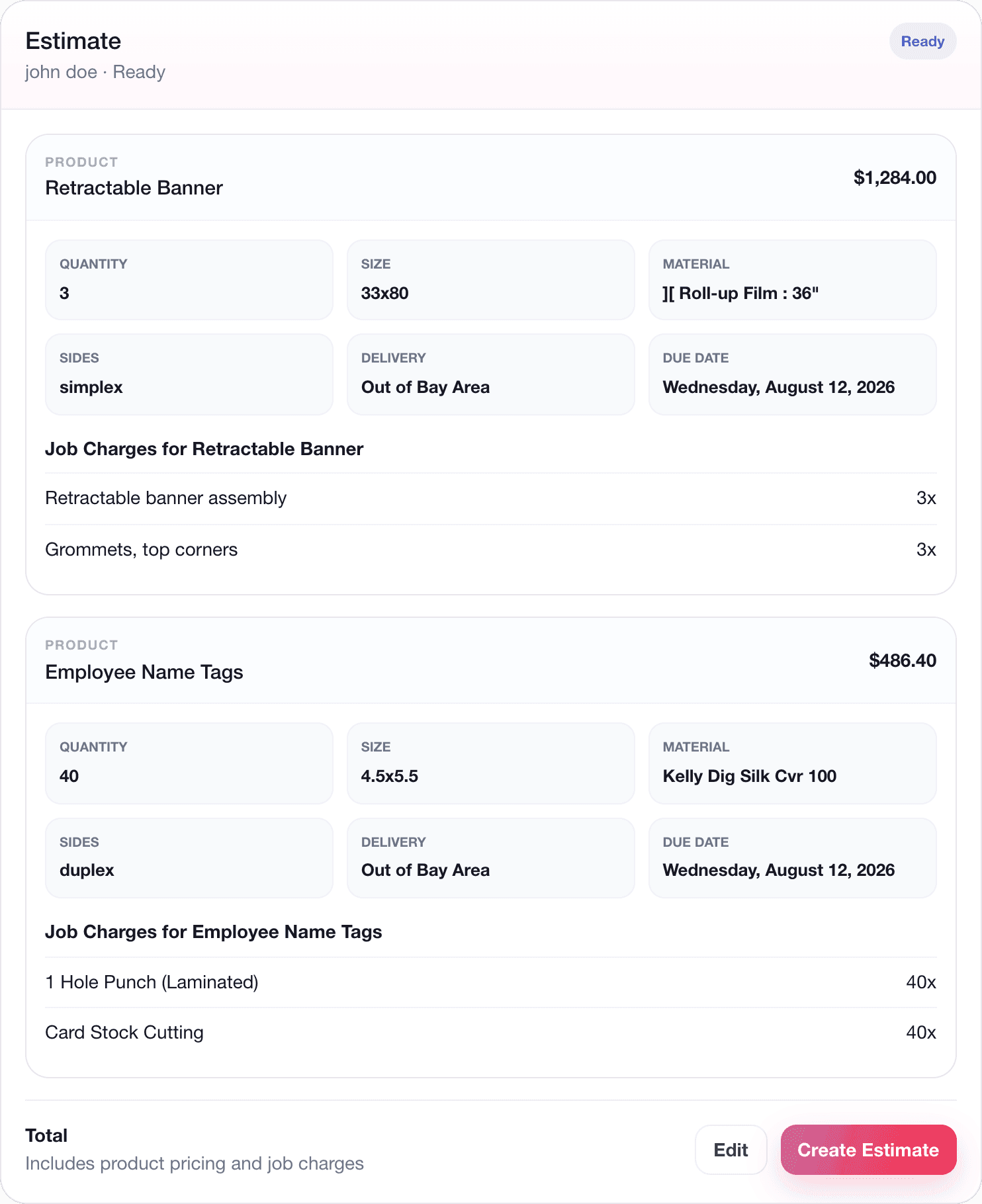
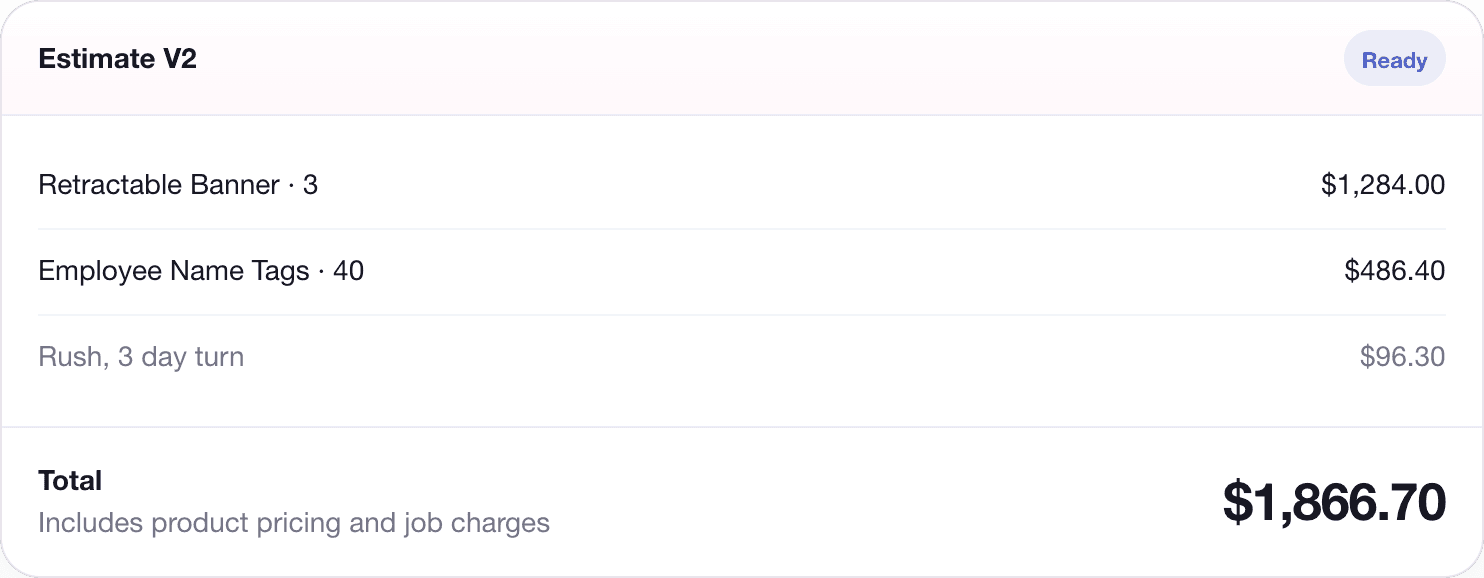
The quote appears as an interactive card. Your CSR can switch it into editing mode to add items, adjust charges, or revise specs, and the total recalculates as they go. When it is right, one click converts it into a locked estimate.
This is the part that matters. The estimate goes out because a person approved it, not because software decided it was ready. Want to see that happen on a real job? See how it works
Everything else the job needs
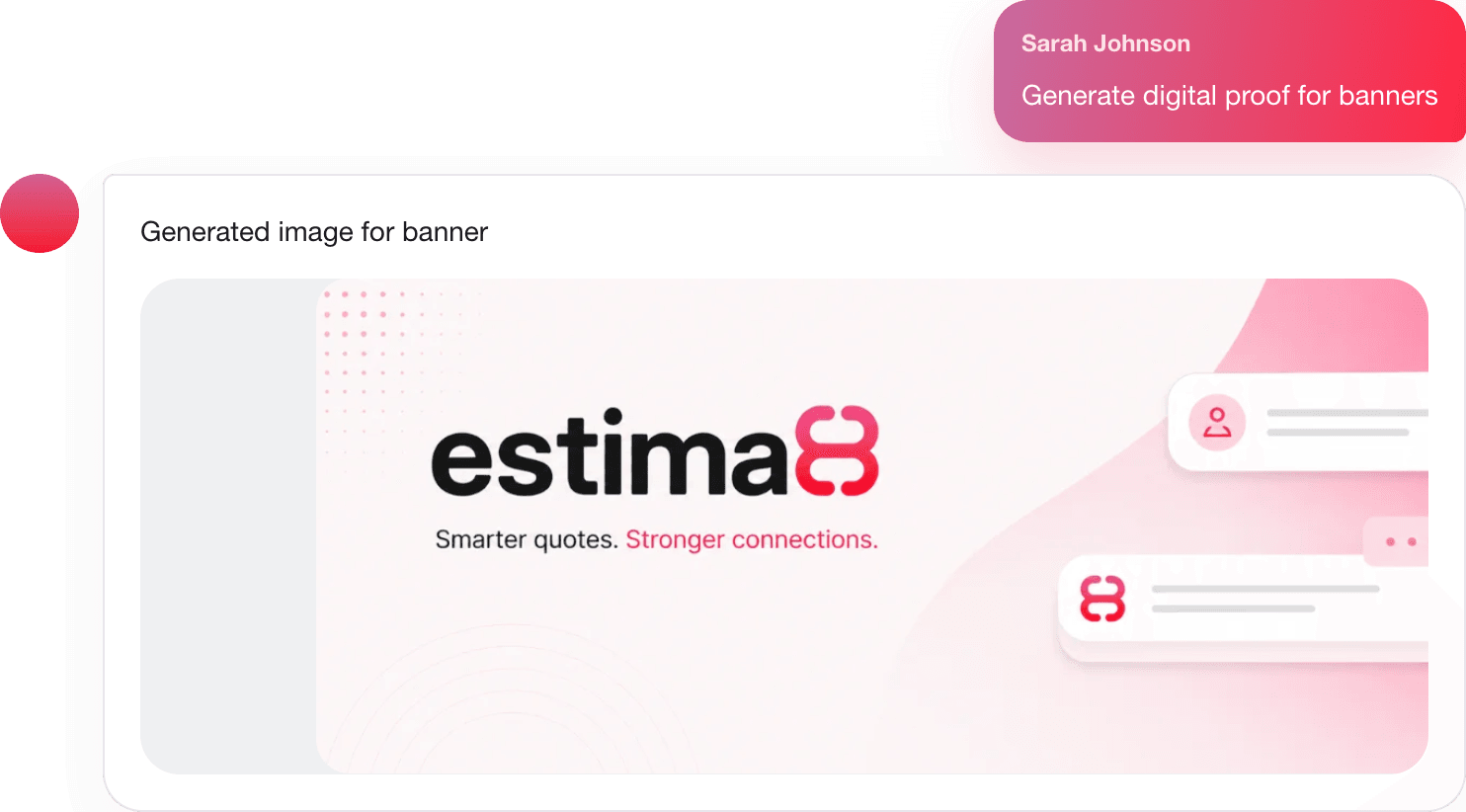
From the same chat, the assistant generates the supporting pieces. A customer email announcing the estimate. A vendor email for any sublet work. A digital proof for customer review. Production notes for the shop floor. Each one is saved into the chat, so the full history of the job lives in one place.

Priced from your own numbers, every time
The quote total is the sum of the base product price, any sublet price, and every job charge applied by its quantity rule. Because it draws from your pricing tables and your PrintSmith Vision connection, the same job priced twice comes out the same both times. Consistent quotes, without the manual math.
That is the whole point. The AI Assistant does the busywork. Your CSR stays in charge.
See it on your own jobs
Watch Estima8 take a real request from inbox to estimate, in minutes.